Worksheets, Presentations and Custom Levels
Overview
Learn how Spellcaster dynamically generates learner worksheets, presentation slides, and custom game levels from your lesson plans.In Depth
Learner Worksheet
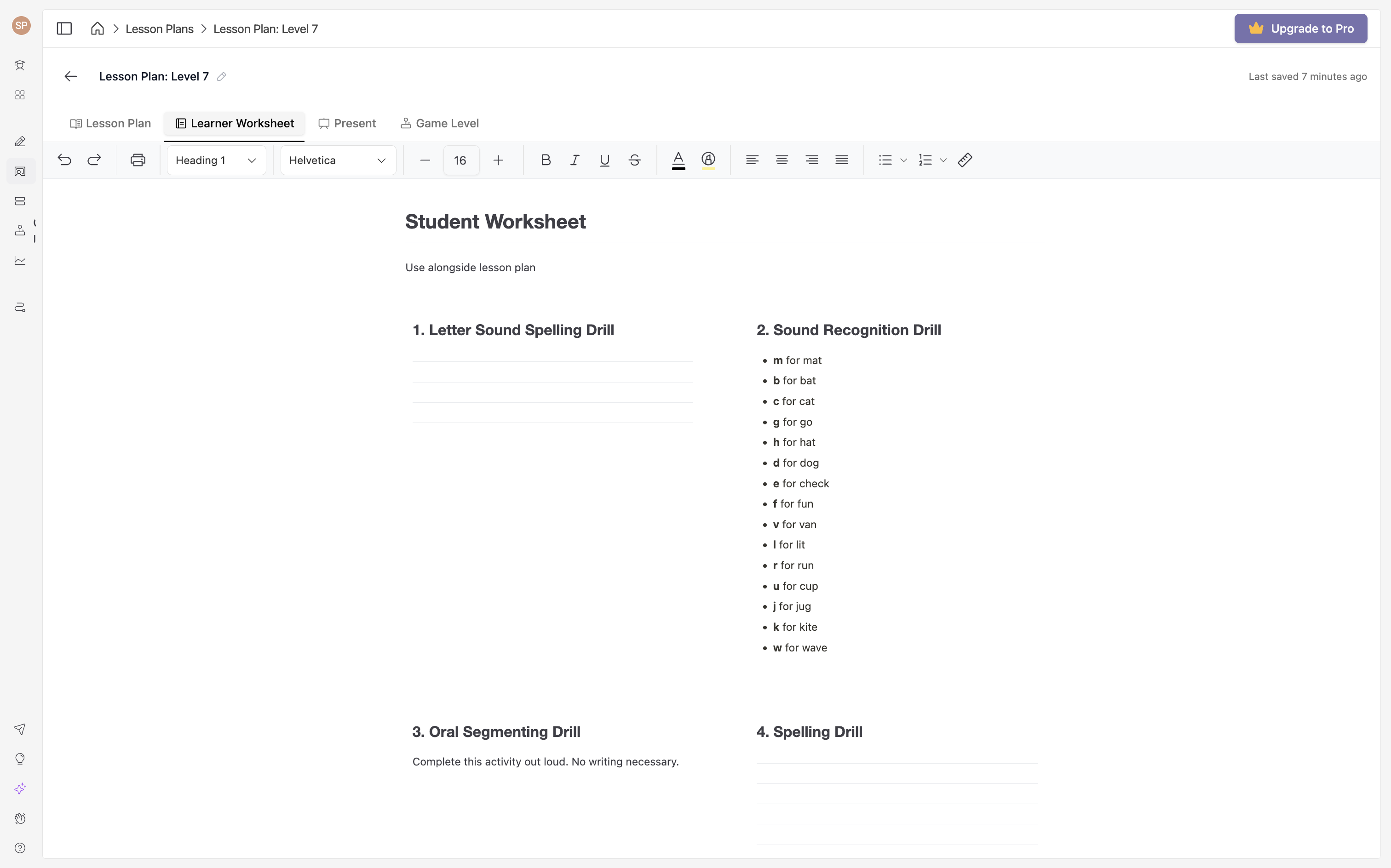
The learner worksheet is a printable companion to your lesson plan. Each worksheet block mirrors the activity blocks in your lesson and follows the same sequence, giving learners a structured resource to work through alongside instruction. Fonts and layout can be edited to suit your needs before exporting.
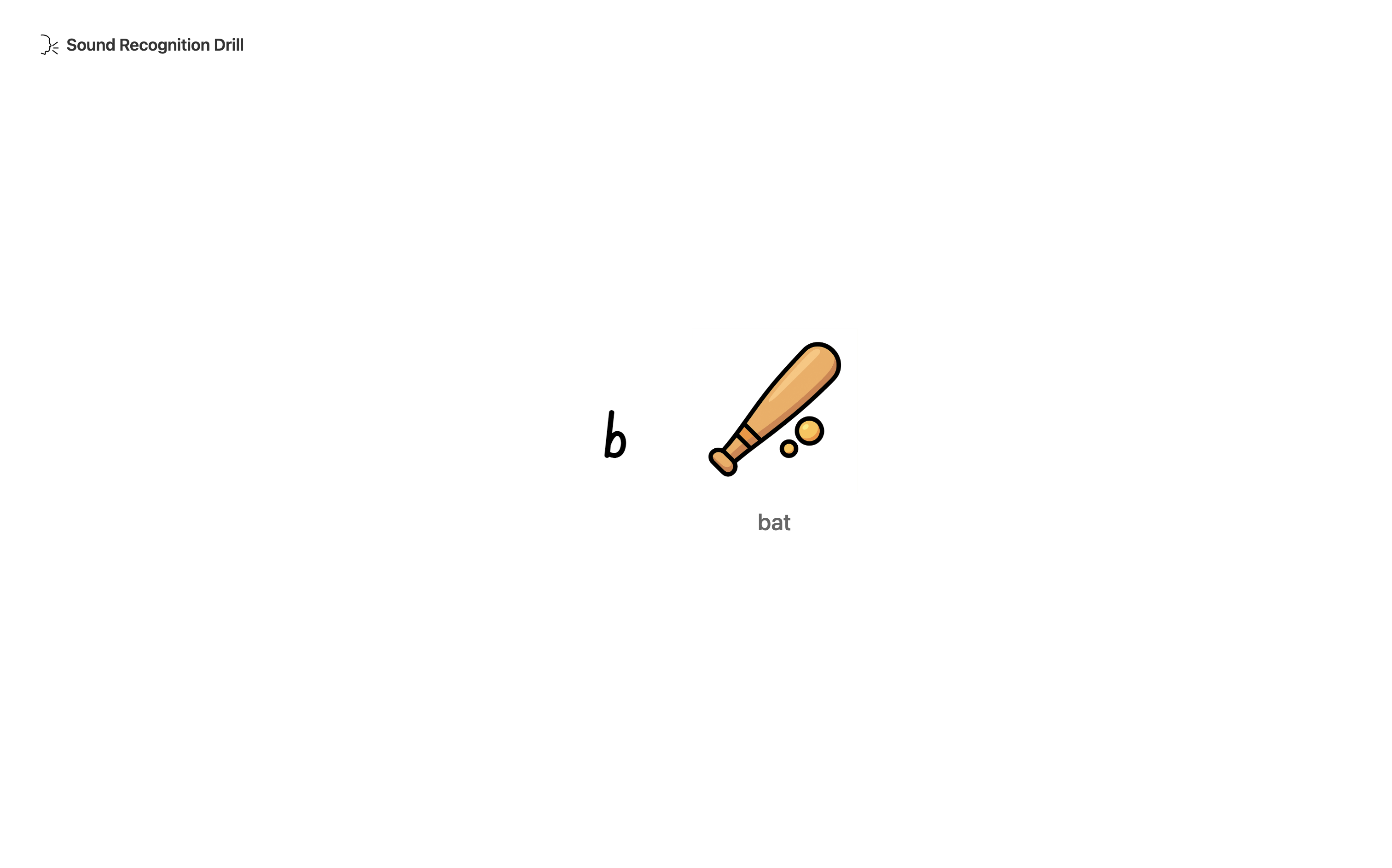
Custom Game Levels
From the Game Level tab in the lesson plan view, you can generate a custom game level based on the content and activities in your lesson. Once created, assign it to learners — the next time they log in to Spellcaster, they'll see a custom level button that takes them straight into a game built around your lesson content.
Custom game levels are a great way to reinforce learning and build extra repetitions of the content you're focusing on. This is a pro feature, available to trial for free. Learners can have one custom level assigned at a time. Not all activity blocks have a corresponding game level — those that do are indicated with a small icon in the lesson planner.